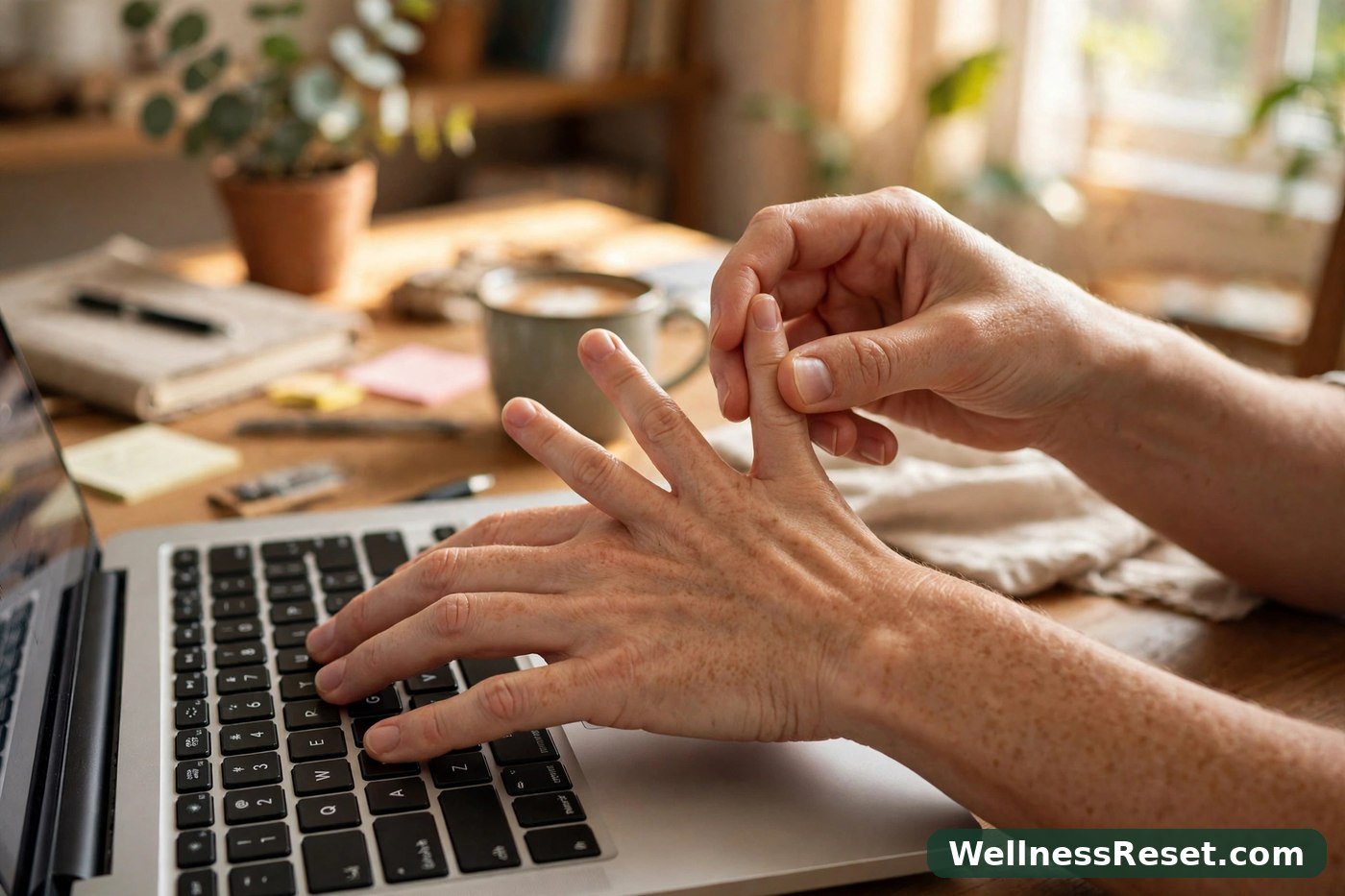
Hand and Wrist Stretches for Typing Days
It was 3:40 in the afternoon, and I had one email left to finish. My fingers knew the keys, but they did not feel quick anymore. They felt thick, slow — like typing through gloves I could not take off.
I shook my hands out and went straight back to the keyboard. Ten minutes later the stiffness was back.
That is the pattern of a typing day. Nothing dramatic happens — you just sit, type, click, scroll, repeat, and by late afternoon your hands feel tired in a way a coffee break does not fix. The moves below are the ones I actually use at my desk. No equipment, no standing up, no mat. Just your chair, your keyboard, and five quiet minutes.
This is general wellness information only, not medical advice. If something hurts, stop — and if discomfort keeps coming back, talk to a doctor.
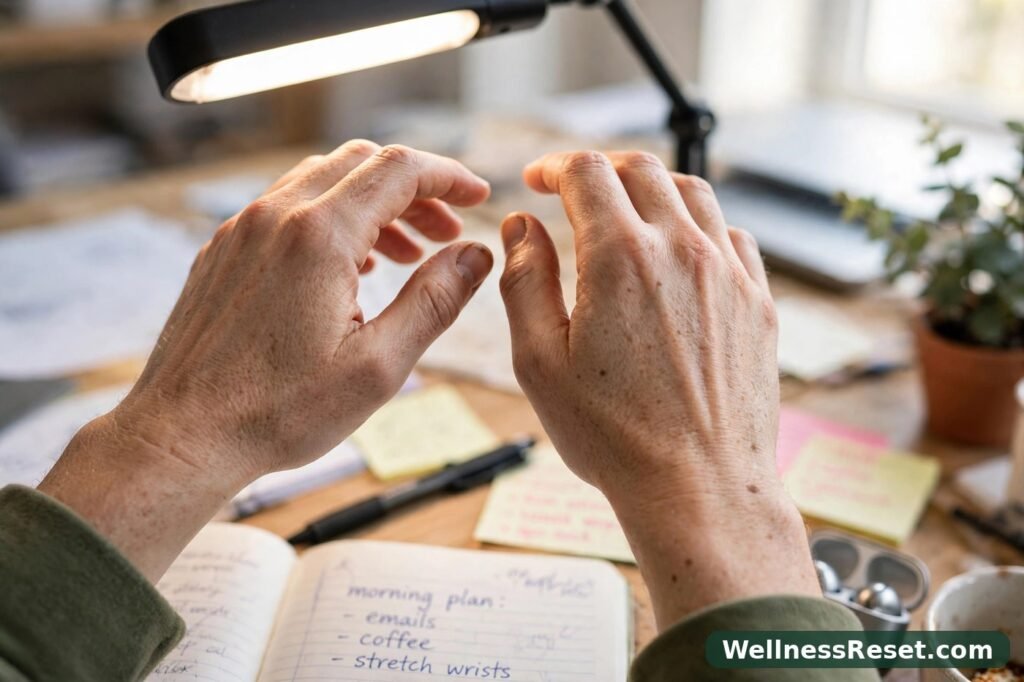
Why Hands Get Stiff on Typing Days
Typing looks small, but it is the same small movement thousands of times: fingers curl, wrists hover in one position, forearms stay switched on while the rest of you barely moves.
Three things make it worse, in my experience:
- Wrists held flat for hours. Resting them on the desk edge, or bent back at a sharp angle, gives the muscles around them no real rest.
- No real breaks. A two-second shake between emails is not a break. Hands need a minute or two of different movement, not just a pause.
- Tension travels up. Tight shoulders make you grip the mouse harder. It is all connected, which is why this routine works better when your shoulders are not up around your ears.
Stiffness after a long typing stretch is common, and for most people it eases with gentle movement, a better desk position, and regular short breaks. These stretches cannot diagnose anything or fix a persistent problem. They are a comfort routine, not a treatment.
1. Warm-Up: Wrist Circles and Fist Open/Close
Never start cold. Two minutes of warm-up makes every stretch after it feel easier, and shows you straight away which hand is tighter today.
Wrist circles
Hold both hands in front of you, fingers relaxed. Make slow, wide circles — 10 one way, then 10 the other way. Keep it smooth, not jerky. If one direction feels stiff, slow down there instead of pushing through it.
Best for: loosening up first thing, or after an hour of typing without a pause.
Fist open/close
Spread your fingers wide, hold for 2 seconds, then close into a soft fist — not a white-knuckle grip — and hold for 2 seconds. Repeat 10 times. The contrast is the point: wide open, then gently closed.
Best for: that “my fingers feel stuck” moment after a long run of emails.
Do both back to back. About 90 seconds, and it warms you up for everything below.

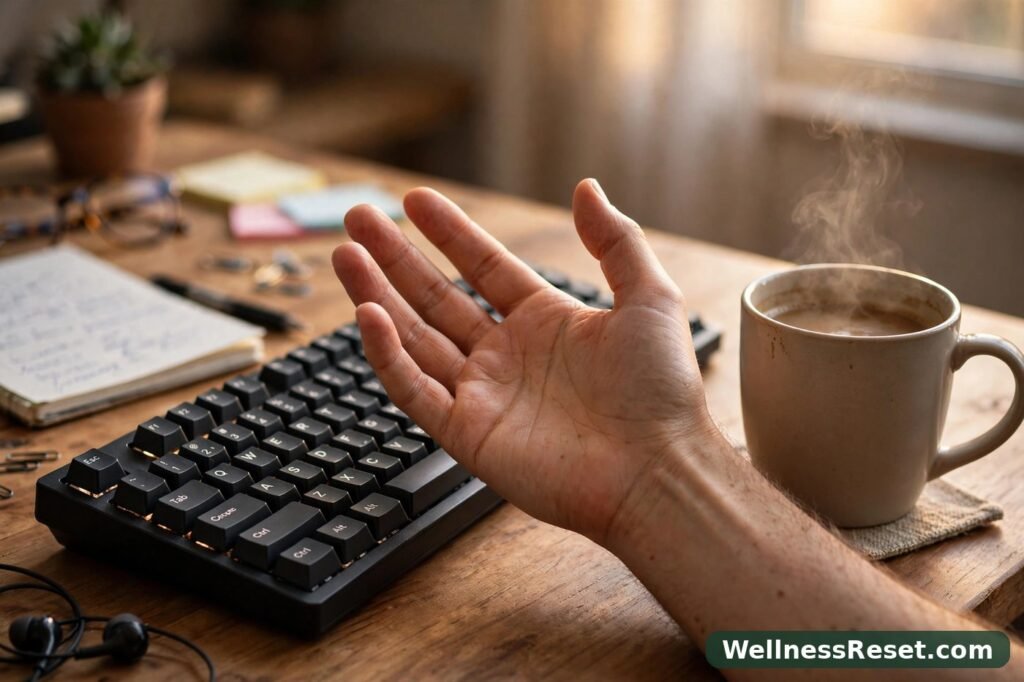
2. Wrist Flexor Stretch (Palm Up)
This is the stretch for the underside of your forearm — the side that faces down toward the desk while you type.
Sit tall, feet flat on the floor. Hold your right arm out, palm facing up, fingers pointing away from you. With your left hand, gently pull the fingers back until you feel a mild stretch along the inside of your forearm. Not a yank — a pull you could hold while breathing normally.
Hold 15–30 seconds. Release slowly. Switch sides.
Best for: tightness under the forearm, or forearms aching after a lot of mouse work.
If you feel nothing at all, bend the elbow a fraction or pull a fraction more — small adjustments, not force. The stretch should feel like a gentle tug, never a sharp pull.
3. Wrist Extensor Stretch (Palm Down)
Same idea, opposite side. This one targets the top of your forearm, which does a lot of quiet work holding your hands up over the keyboard.
Hold your right arm out, palm facing down, fingers pointing away from you. With your left hand, press the fingers gently back until you feel a mild stretch across the top of your forearm and the back of your hand.
Hold 15–30 seconds. Release slowly. Switch sides.
Best for: a tight top of the forearm, or fingers cramped from gripping a mouse too long.
If your shoulder creeps up toward your ear, drop it and keep the arm at about chest height, not higher.
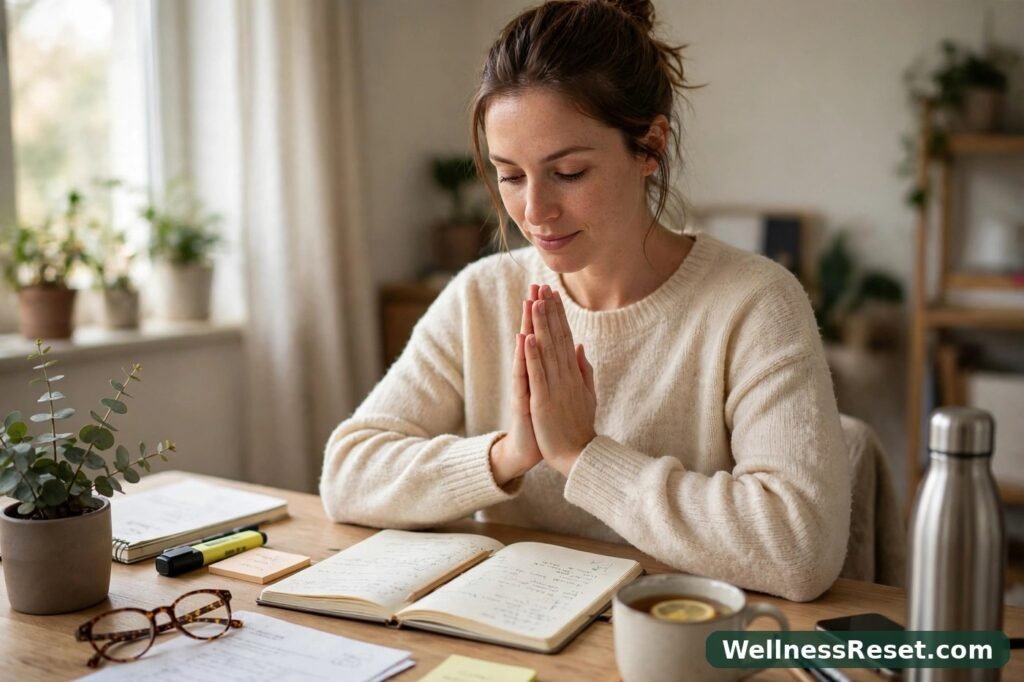
4. Prayer Stretch and Finger Spreads
People skip the prayer stretch because it looks too simple. Do not. It stretches both wrists at once, and it is the fastest way to tell whether one side is tighter than the other.
Press your palms together in front of your chest, fingers pointing up, elbows out. Slowly lower your hands toward your waist, palms still pressed together, until you feel a gentle stretch in both wrists. Hold 15–30 seconds, then bring your hands back up.
Best for: a quick two-sided stretch when you only have time for one move, or as a finisher.
Finger spreads
Place your hand flat on your desk, fingers together. Spread them as wide as you can, hold for 3 seconds, then bring them back together. Repeat 5 times per hand. Then lift each finger off the desk one at a time, slowly, like a very slow piano scale.
Best for: fingers that feel clumsy or slow after hours of the same keystrokes.
5. A 5-Minute Typing-Break Sequence
Here is how I put it together on a real workday. Set a timer if you need to — five minutes feels long mid-task, but it passes fast once you start.
- Minute 0–1: Wrist circles, 10 each way, then fist open/close 10 times.
- Minute 1–2: Flexor stretch, 20 seconds each side.
- Minute 2–3: Extensor stretch, 20 seconds each side.
- Minute 3–4: Prayer stretch, 30 seconds, then finger spreads 5 times each hand.
- Minute 4–5: Shake your hands loosely, roll your shoulders back twice, and rest your hands flat in your lap for 30 seconds before typing again.
Do this once late morning and once mid-afternoon, and seperate the two sessions by at least two hours of work. That rhythm — twice a day, not twenty times — is what actually sticks. If you only have time for one break, take the afternoon one, when stiffness usually peaks.
When to stop: stop if any move causes sharp pain, tingling that does not fade within a minute, or weakness like dropping things. Rest, and talk to a doctor if it keeps happening. Stretching should feel like relief, not a test of endurance.
A better desk setup makes this work twice as well — see these text neck stretches and this desk posture routine.
Quick Fixes for Common Typing-Day Problems
| Problem | Quick fix |
| Fingers feel stiff after an hour of typing | Fist open/close 10 times, then wrist circles 10 each way |
| Underside of forearm feels tight | Flexor stretch, palm up, 20 seconds each side |
| Top of forearm feels tight | Extensor stretch, palm down, 20 seconds each side |
| Both wrists feel equally stiff | Prayer stretch, 30 seconds, palms pressed together |
| Hands feel clumsy or slow | Finger spreads on the desk, 5 rounds each hand |
| Stiffness returns within minutes | Take a real 5-minute break away from the keyboard, not just a stretch at it |
Common Mistakes
Pulling too hard. A stretch that hurts is not one that works harder — it is one your body will fight. Gentle and held beats strong and forced.
Holding your breath. People do this without noticing, especially on the prayer stretch. If you are holding your breath, you are pushing too far.
Only stretching one hand. Your dominant hand complains loudest. Stretch both sides, every time, even if one feels fine.
Stretching once and calling it done. One round at 9 am will not carry you to 6 pm. Twice a day is the minimum.
Ignoring the desk itself. If your keyboard is too high or your mouse too far away, your hands will keep tightening. Fix the setup first.
Final Words
Typing days are not going away, and neither is the stiffness that comes with them. But it does not need a complicated routine: five moves, five minutes, twice a day.
Start with the afternoon break today, not tomorrow morning. Within a week your hands will tell you whether the rhythm is working — less of that thick, slow feeling at 3:40, and a keyboard that feels like yours again.
FAQ
How often should I do hand and wrist stretches on a typing day?
Twice a day is a good baseline — late morning and mid-afternoon. On very heavy days, add a third short round, but keep each one gentle.
How long should I hold each stretch?
15–30 seconds for wrist stretches, 2–3 seconds per repetition for fist and finger moves. Longer is not automatically better.
Can I do these stretches at my desk?
Yes — all are seated, at your desk, with no equipment. You do not need to stand up.
What if a stretch hurts?
Stop right away. Mild tension is normal; sharp pain, tingling, or weakness is not. Rest, and talk to a doctor if it keeps coming back.
Do these stretches replace medical treatment?
No. This is general wellness information only, not medical advice — a comfort routine for everyday stiffness, not a treatment for any condition.